Make room
for possibility.
- Compose networks in a visual workspace
- Inspect tensor shapes before running a model
- Explore training configurations
- Export a model into a real PyTorch workflow
J Studio’s web tool is free to open and explore. Sign in to save projects to cloud storage; Microsoft Store installation is currently free with registration.
5376 features
learned operator
5376 features
ON THE HORIZON
Built one
capability at a time.
Connect research operators, reproducible experiments, and a registered desktop workflow.
A free place to begin.
Open the web tool freely. J Studio for Windows is currently free with registration. Mac and Linux editions are coming soon.
Register / sign inA STUDIO FOR EVERY CURIOUS MIND
Learn the network.
Build your own.
J Studio opens neural network design to learners, researchers, and independent builders. Start with a guided example, study an existing architecture, or compose your own. See how data, layers, shapes, and training choices fit together.
No membership is needed to explore the web studio. Training requires a connected local runner or exported Python project and suitable compute; the browser is your design workspace.
INSIDE J STUDIO
A closer look
at the workbench.
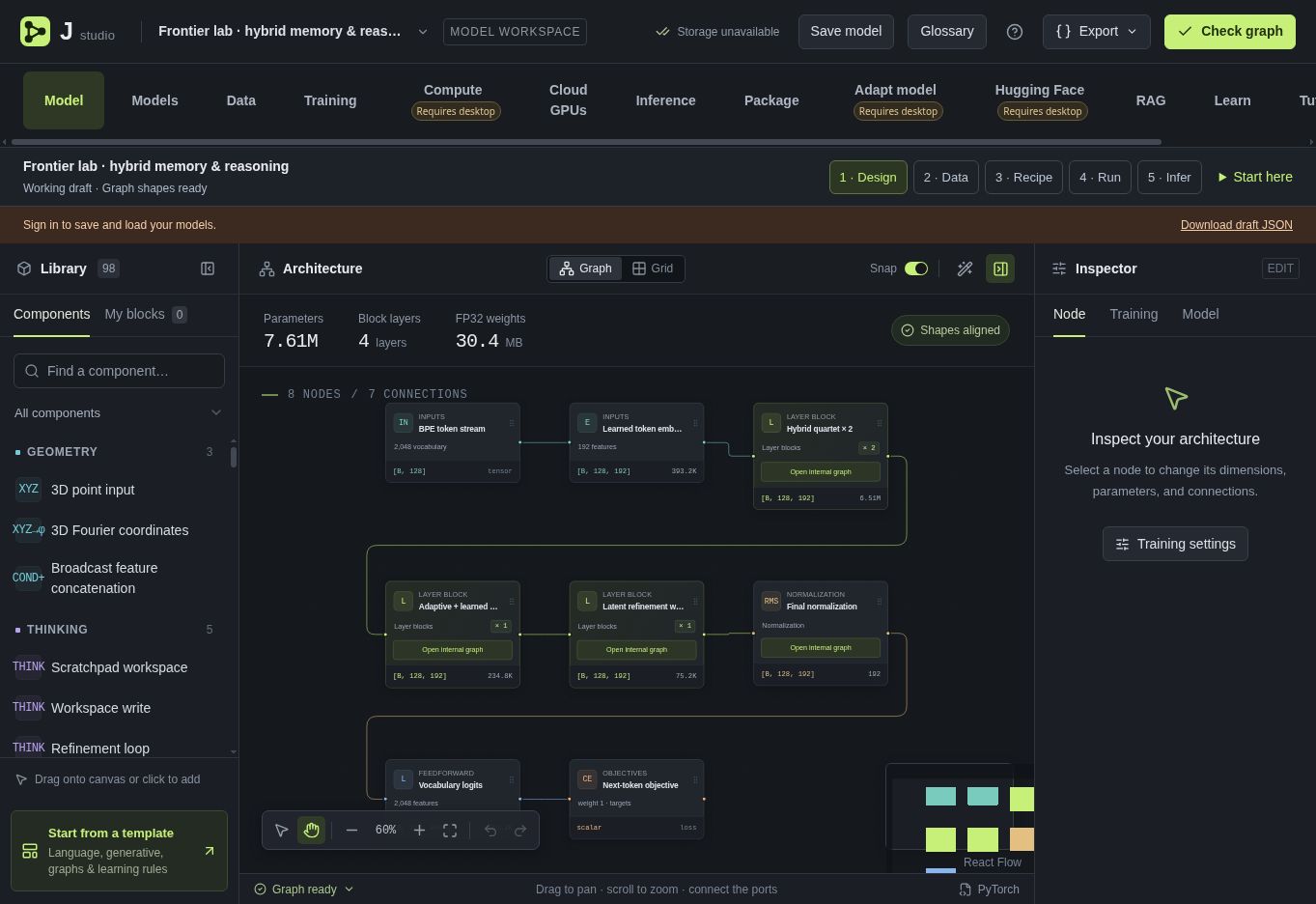
Make the architecture visible
Connect layers, inspect tensor shapes, and explore the structure of a hybrid memory and reasoning model.
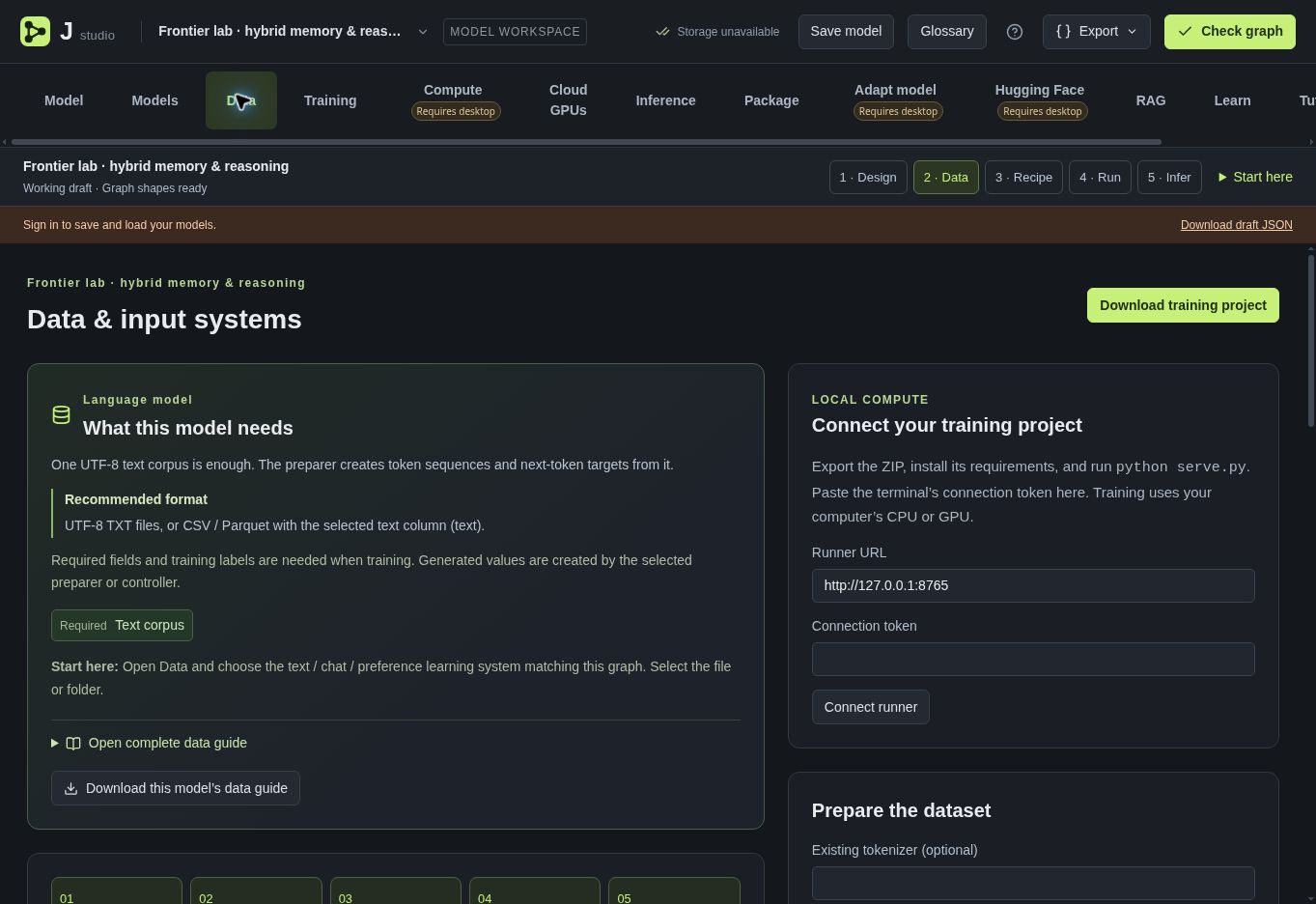
Start with your data
Choose learning systems, prepare held-out splits, and inspect the inputs your model needs.
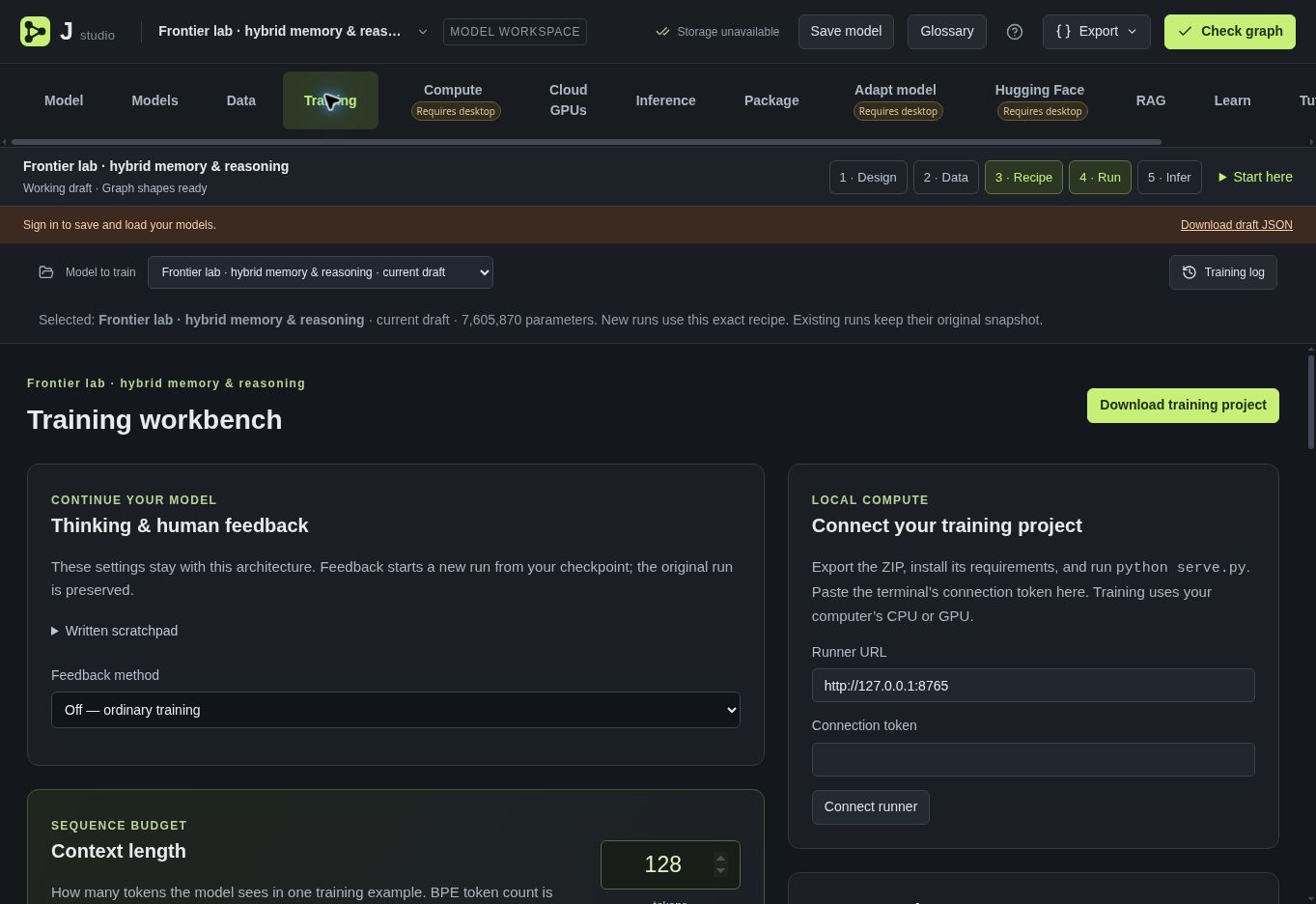
Explore how learning works
Adjust training recipes, optimizers, and evaluation settings before exporting a runnable project.
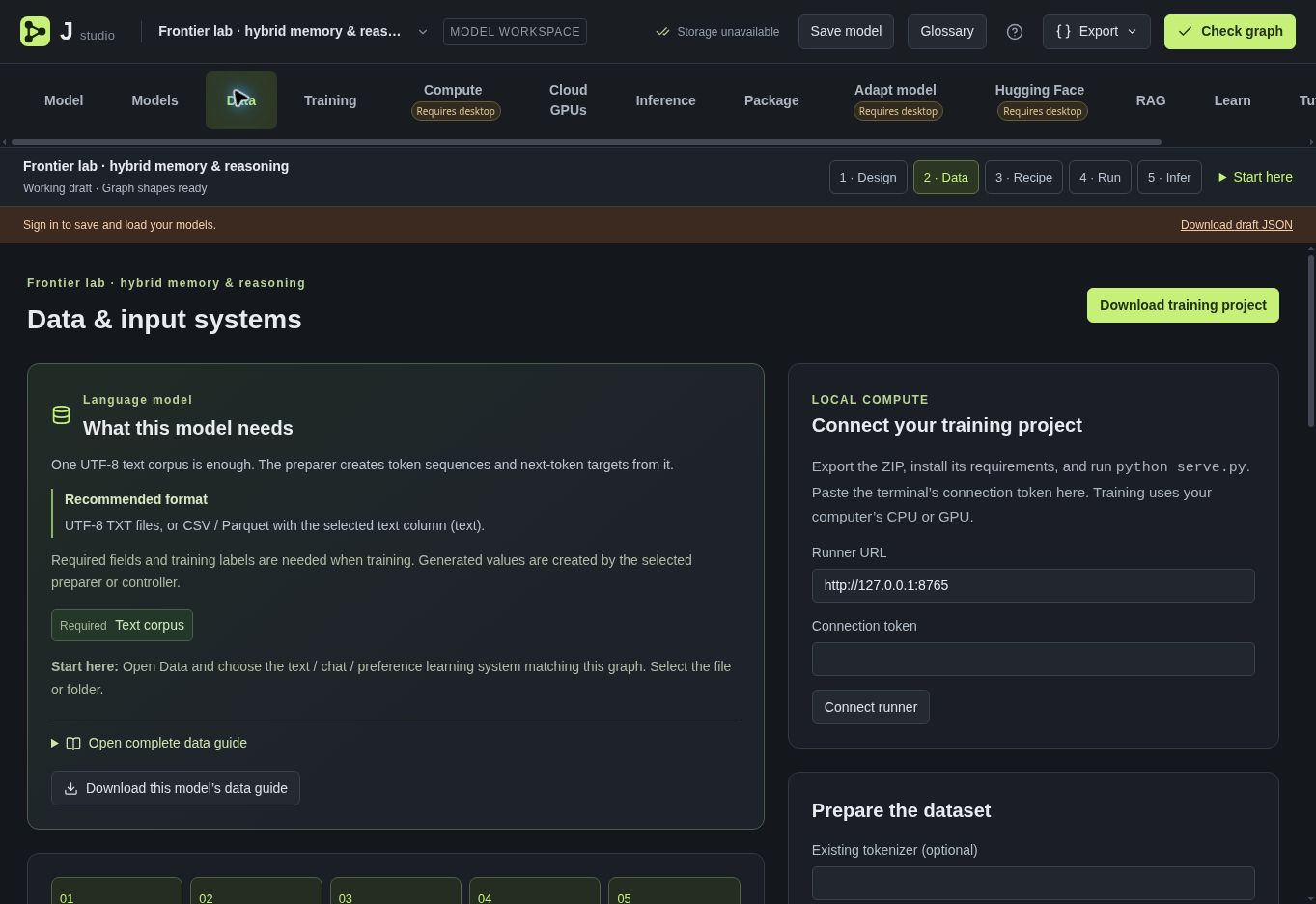
Build a retrieval workflow
Explore the retrieval workspace alongside your model design.
Take your experiment with you
Package your model and its training project for a local Python workflow.
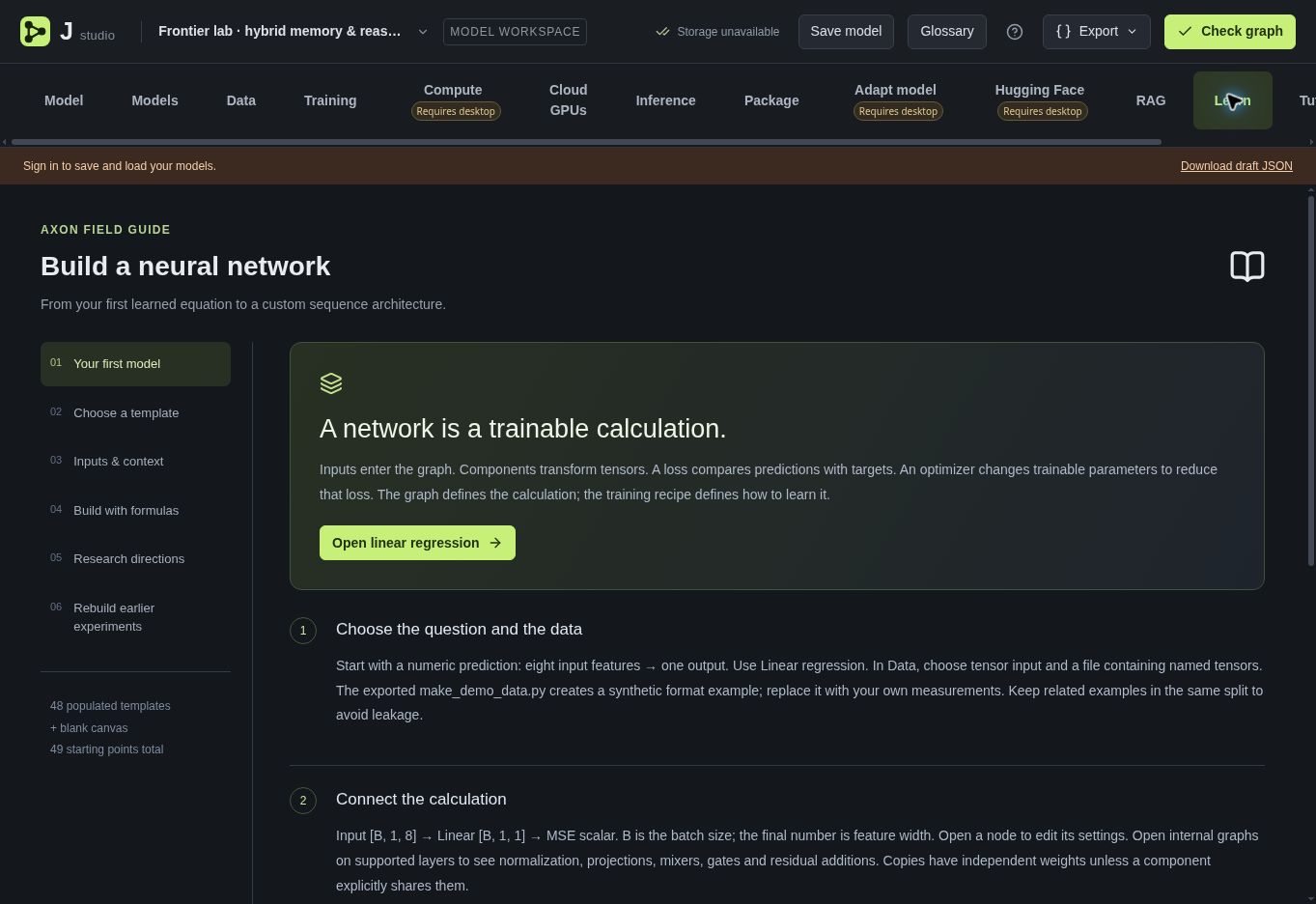
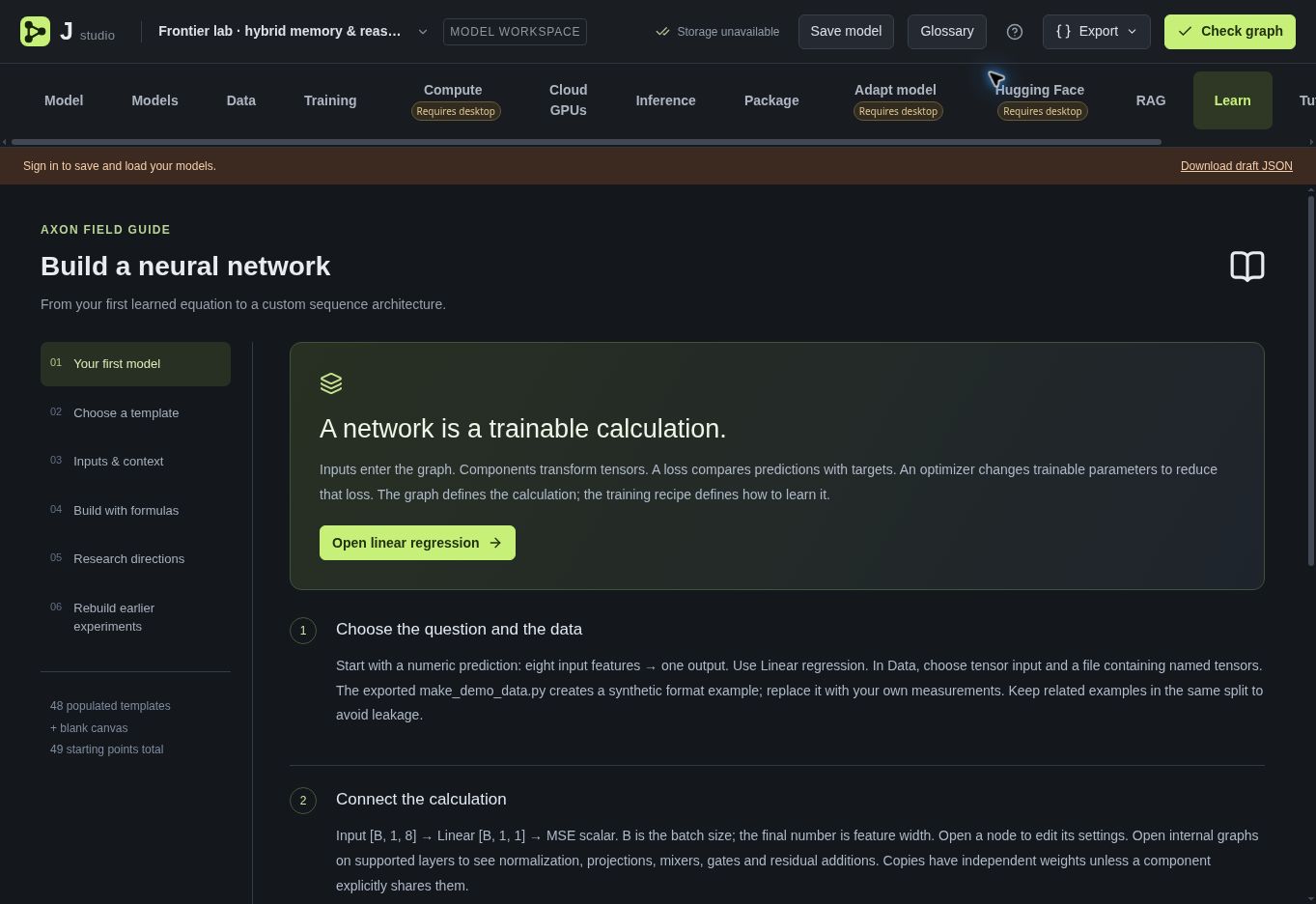
Learn from the inside out
Follow guided explanations from a first regression model to custom sequence architectures.
Real screens from the current web studio. Click an image to enlarge it.
ARCHITECTURES TO EXPLORE
From financials
to language and worlds.
Use the Models library as a starting point, then change the graph and study what happens. These are learning and research workflows; templates are starting points, not pretrained production systems.
Finance & time series
Market features → GRU → regression head
Study returns, volatility, direction, and quantile prediction. Compare time-based splits and investigate leakage before trusting a result.
Language & reasoning
Tokens → embedding → causal attention → vocabulary
Explore transformers and hybrid memory models. Change context, attention, and feed-forward blocks; inspect the resulting graph.
Images & vision
Pixels → convolution blocks → feature head
Build image classifiers and study representations. Explore encoder/decoder and diffusion-oriented templates using appropriate datasets.
3D assets & geometry
Point cloud → encoder → latent space → decoder
Study 3D shape reconstruction and the experimental image-to-3D and text-to-3D starting points. These require your own data and training.
Graphs & relationships
Node features → message passing → graph output
Investigate how a graph model exchanges information, pools features, and predicts properties of connected data.
Adaptive & active architectures
Input → routed compute → memory → output
Compare research architectures with learned routing, recurrent memory, and selective computation. Make your own modifications and measure their behavior.
J STUDIO DESKTOP
Your studio.
On your desktop.
The web tool is free. J Studio for Windows is installed through Microsoft Store and is currently available with a registered Model J Labs account. Sign in first; J Studio verifies your account and device when it opens.
Windows
Available · x64Install the signed Windows app through Microsoft Store. Sign in or create a Model J account first; J Studio verifies your account and device when it opens.
Sign in / sign up → Microsoft Store ↗Windows x64 · signed Microsoft Store distribution
macOS
Coming soonA native macOS package is planned. Explore the free web tool while this edition is in development.
Linux
Coming soonA native Linux package is planned. Explore the free web tool while this edition is in development.
One account. Connected access.
Register or sign in before installing from Microsoft Store, then approve the desktop sign-in in your browser. J Studio verifies your registered account and device access with Model J Labs at startup and periodically during use. An internet connection is required. Manage authorized devices and revoke access from your account.