Make room for discovery.
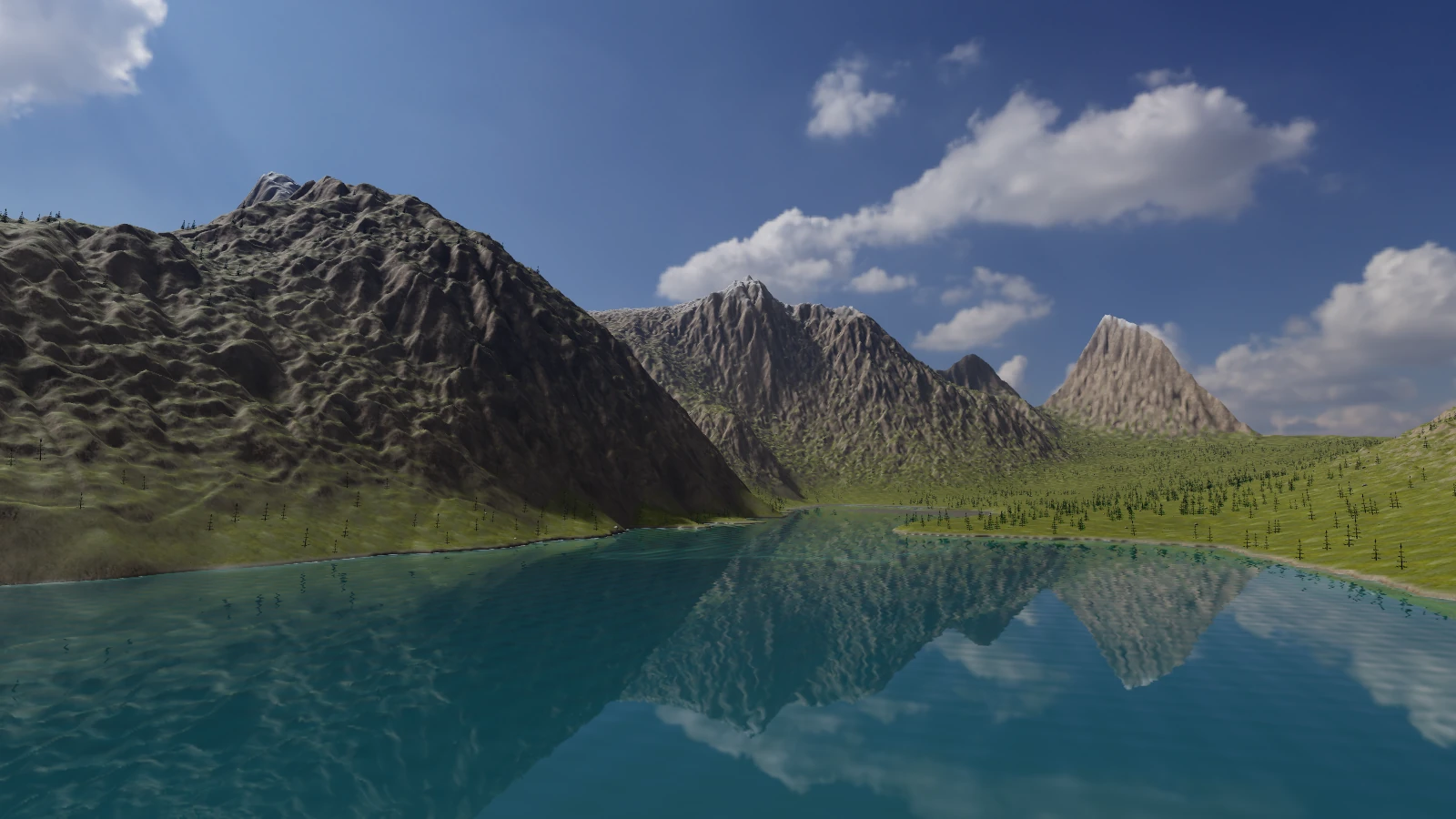
Generate terrain from recipes, sculpt the surface and explore lighting and materials. Export a heightfield or scene mesh.
Build a landscape. Shape an object. Bring a scene to life. Explore Aether’s terrain, modeling and game authoring tools in one workspace.
Free browser beta · no sign-in required · desktop browser recommended
Create and export 2D or supported 3D games in the browser. Connect your AI through the public MCP service and edit the same cloud projects. Desktop adds native-only engine and exact CAD tools.
Generate terrain from recipes, sculpt the surface and explore lighting and materials. Export a heightfield or scene mesh.
Create mesh primitives and editable curves. Apply modifiers, tune materials and export GLB or OBJ assets. Exact CAD lives in the desktop runtime.
Create 2D games or supported 3D adventure, squad and rigid-body games. Arrange assets, author supported gameplay and animation, play in the browser, and export a standalone web game or a desktop build project.
Real captures from working development builds. Each image identifies its workflow so you can see what runs in the browser and on desktop.
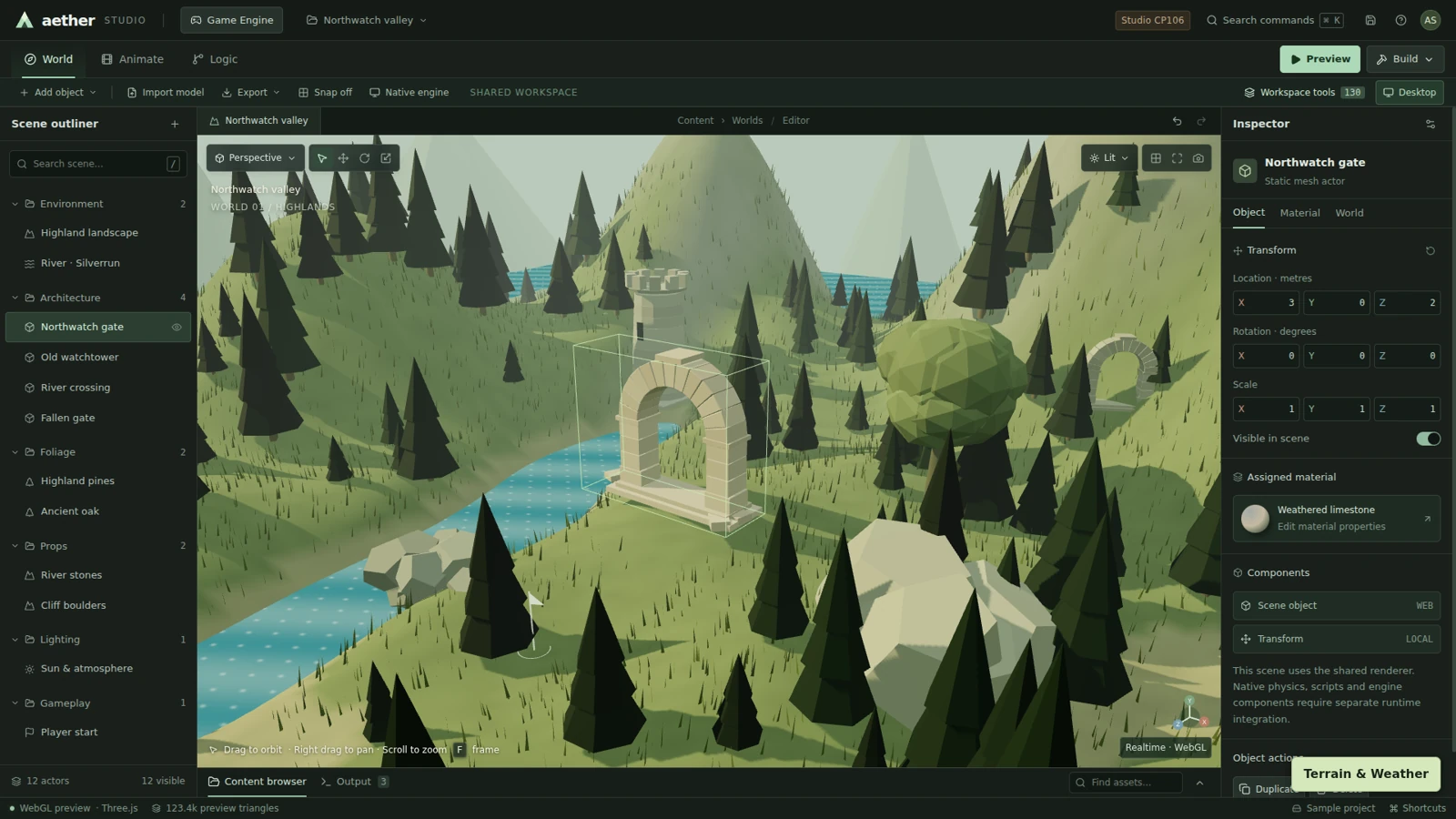
Northwatch sample scene with terrain, architecture, water and vegetation.
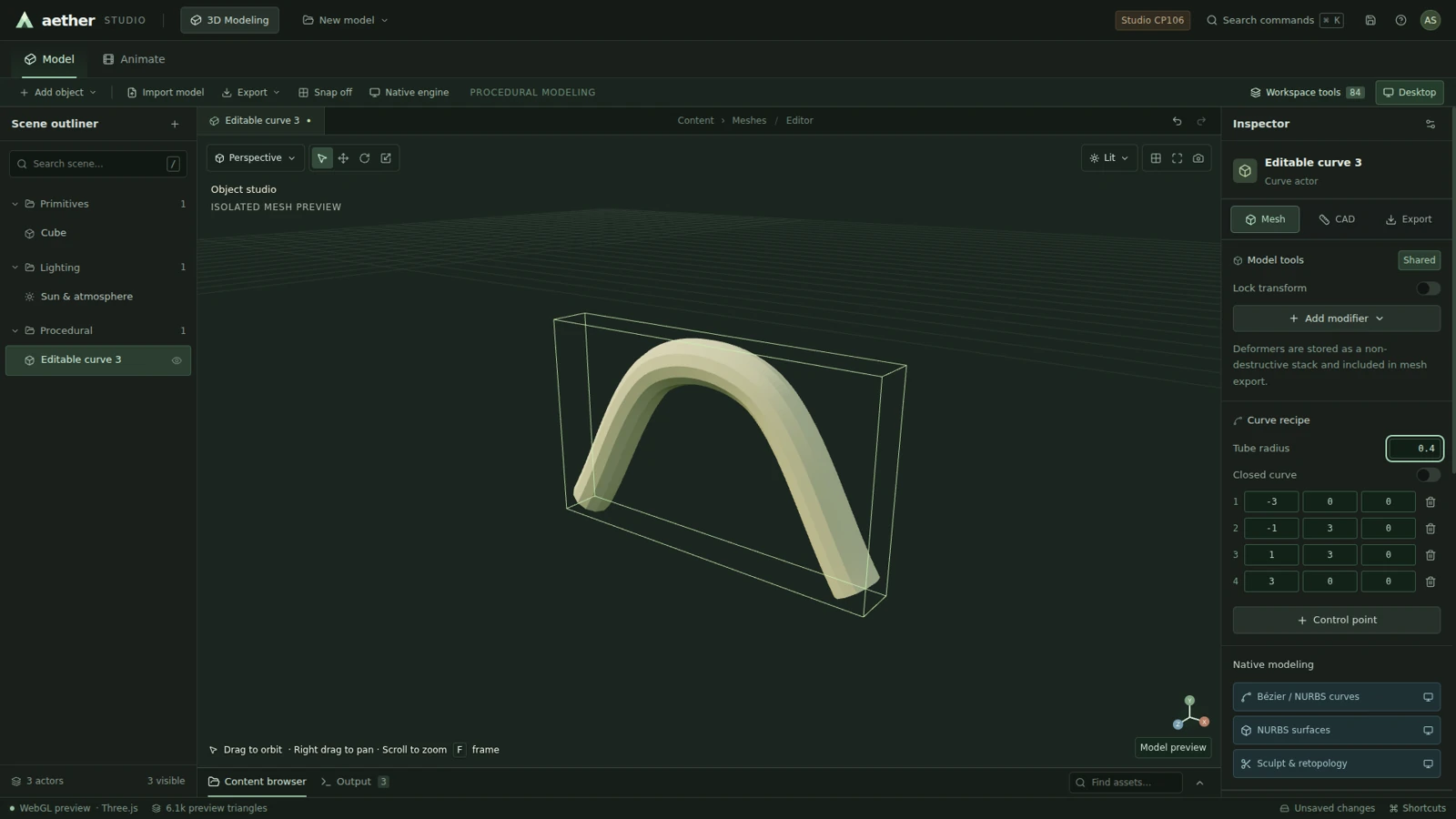
A tube mesh follows an editable curve recipe, with radius and point controls.
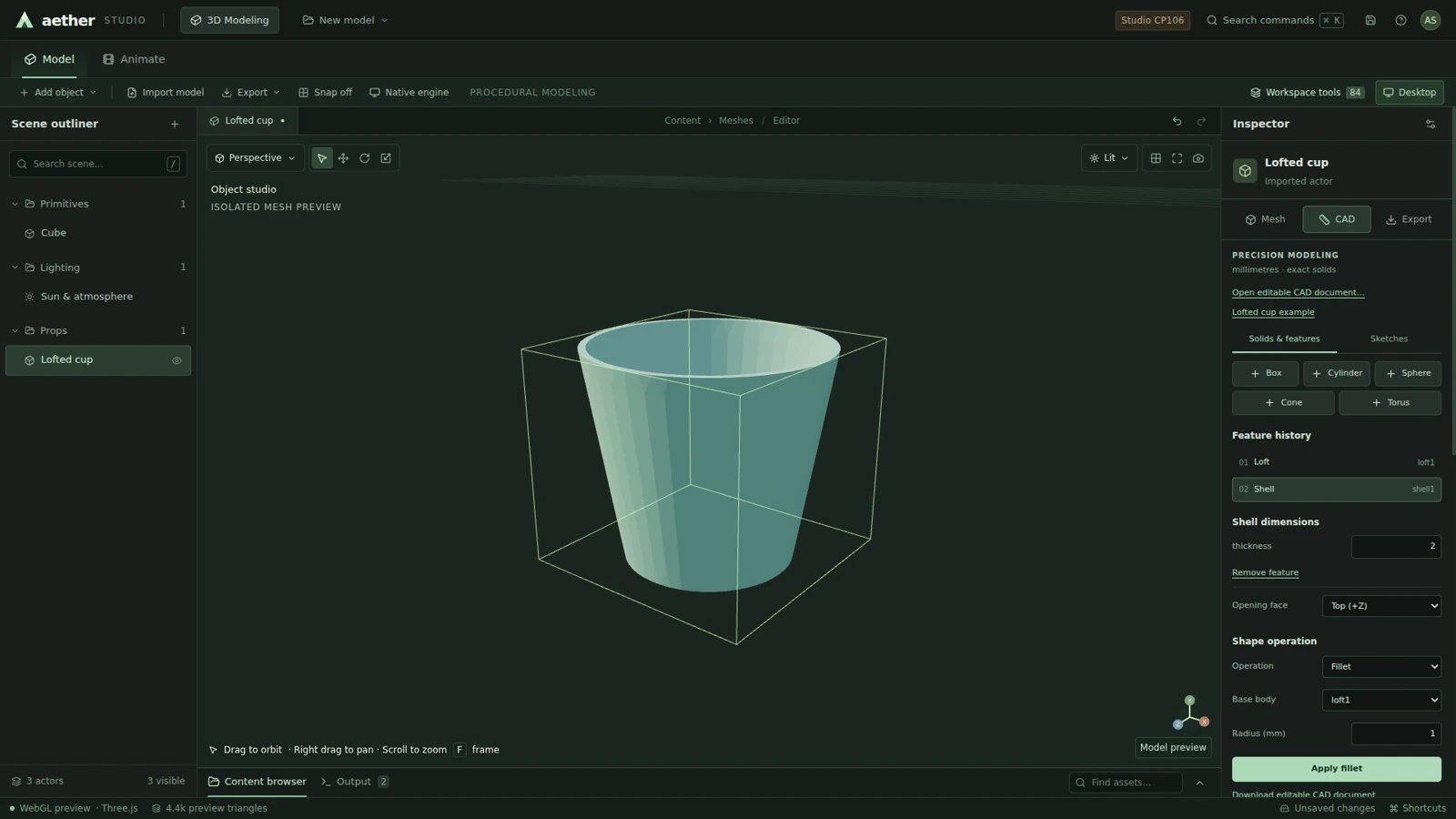
An exact loft between circular sketches, hollowed with a shell feature.
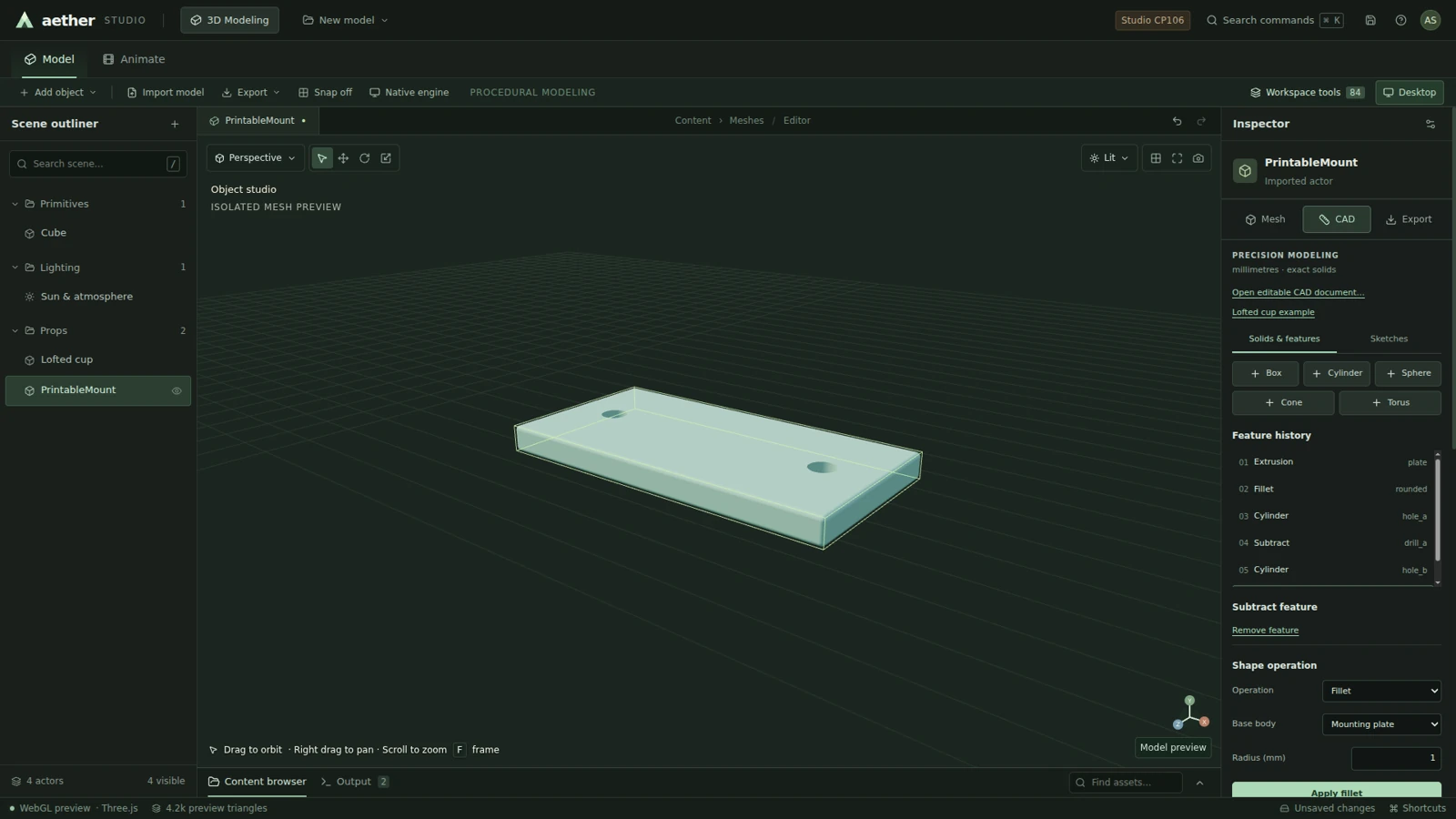
Rounded mounting plate with cylindrical mounting holes.
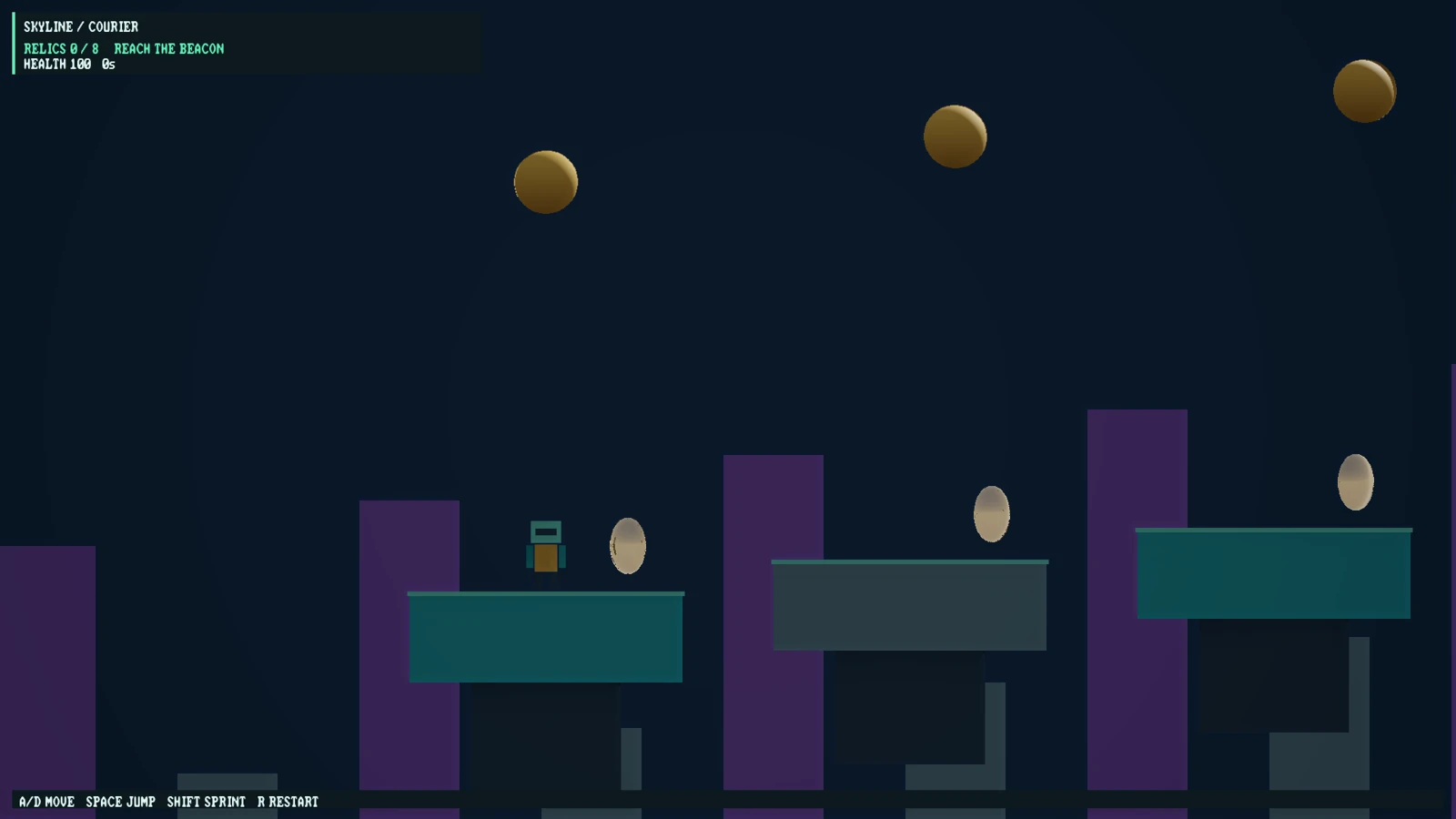
Native Vulkan launch-frame preview of the platformer sample, with collectible objectives and a game HUD.
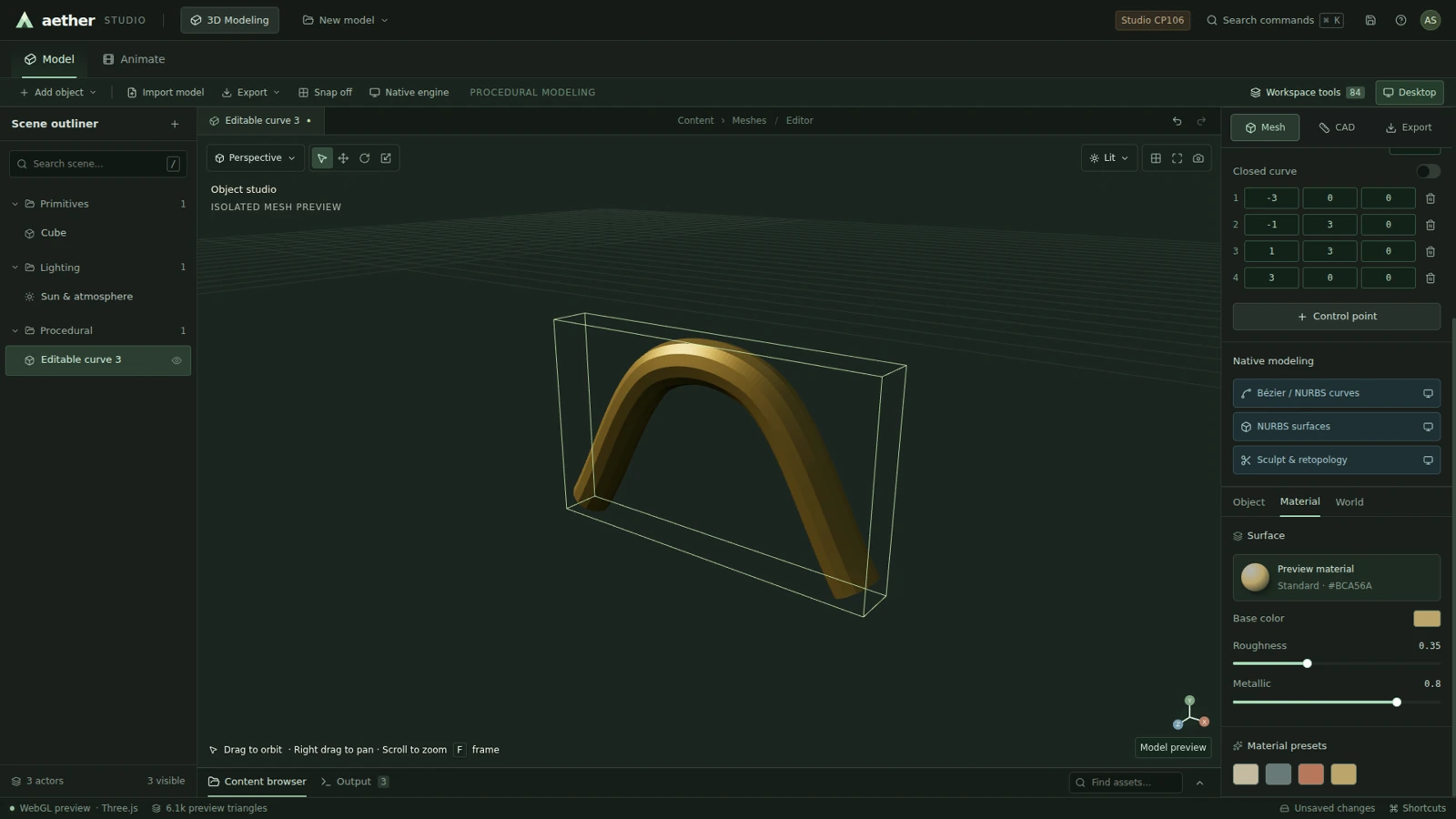
Bronze material preset on the tube model in the shared renderer.
| Workflow | Web beta · available now | Desktop beta · Windows & Ubuntu |
|---|---|---|
| Scenes & terrain | Scene editor, terrain recipes and sculpt tools | Shared editor plus native terrain pipeline |
| 3D models | Mesh tools, curves, modifiers and materials | Mesh tools plus exact solid CAD |
| Animation & games | 2D gameplay, shared 3D adventure/squad games and native WASM rigid-body physics; supported Blueprints and transform animation | Native gameplay and game packaging |
| Export | Playable 2D HTML; 3D ZIP with WebGL2 or experimental WebGPU and optional native WASM physics; desktop build projects; editable JSON and geometry exports | Additional CAD and fabrication exports |
| Project storage | Local browser projects; signed-in MCP cloud projects | Local files on your computer |
The 3D browser game ZIP packages the shared player, authored game and required assets. Geometry-only GLB/OBJ exports are separate and do not include gameplay, water or atmosphere. Exact CAD and native-only engine builds require desktop. The shared web engine does not yet have full CP143 native-engine parity. Desktop build projects require Node.js and a packaging step on a computer; the browser does not produce prebuilt native executables. Desktop build projects require Node.js and a packaging step on a computer; the browser does not produce prebuilt native executables. Desktop build projects require Node.js and a packaging step on a computer; the browser does not produce prebuilt native executables.
Yes. Open the workspace directly without signing in. Aether runs the shared editor in your browser; a desktop browser with WebGL enabled is recommended.
Yes, using the supported browser systems: create terrain, mesh models or 2D sprites and shapes, assemble a scene, author your own input and conditional rules in Gameplay, playtest and export. 2D exports are self-contained HTML. 3D exports are ZIP packages to extract and serve from a static website. See the game workflow and capability limits. The browser exposes 90 shared MCP tools; the native CP143 catalog has 109, with different coverage.
Local projects save in this browser. Projects opened through MCP projects save to your signed-in account and are shared with your connected AI client. Cloud saves protect against conflicting edits. Export project JSON for a portable backup; clearing browser data can remove local projects.
Windows and Ubuntu Linux installers are available with a free account. Install the complete desktop beta, or try the web workspace without signing in. macOS is not yet available.
No. These are captures of Aether development builds and exported viewers. The showcase ledger labels full screenshots and viewport crops. Software rendering was used during capture; these images are not a performance benchmark.
Your next idea starts with an empty workspace.
J Simulation is now a standalone engineering preview with separate installers and study files.
Explore J Simulation ↗General 3D gameplay rules combined with native physics, prefab spawning, embedded audio and imported skeletal clips; editable model construction recipes; 94 public MCP tools, 2D HTML and 3D ZIP export, experimental WebGPU, native rigid-body WebAssembly, and partial Godot/Unity scene import. Android support is loose-asset extraction, not APK execution. Read capabilities and limits.
Shared-web 0.10.147 adds reusable AetherScript components, interactive UI widgets, animation state controllers, runtime diagnostics and assertions, export preflight and an opt-in browser preview connection for MCP. Open Development in the editor or read the development and agent workflow. The public catalog exposes 110 tools; the local adapter implements 107 of these and explicitly identifies the three hosted-preview operations. The new scripting system is bounded and general purpose; it is not C# or full native-engine parity.